Hands-On STEAM & Laser Education • Orlando, FL

Laser Engraving Masterclasses & Hands-On Workshops

Step-by-step guidance to master CO₂ laser cutting, vector design, and wood fabrication. From youth STEAM projects (6th grade & up) to beginner foundations and business launch masterclasses.

100% Hands-On Real CO₂ laser machines
6th Grade to Adult Youth STEAM to Pro level
Take-Home Keepsake Keep what you design & build
Certified Safety Safety-first expert guidance
Practical Skills & Creative Confidence

Why Learn Laser Craftsmanship With Us?

We bridge five generations of heritage woodworking with cutting-edge digital fabrication technology.

STEAM & Spatial Geometry

Learn how 2D vector paths turn into interlocking 3D structures. Students grasp measurement, kerf tolerance, and assembly logic through real woodworking.

Vector Design Mastery

Learn user-friendly vector tools (LightBurn, Inkscape, Illustrator). Understand raster engraving vs. vector line cutting, DPI settings, and focal alignment.

Entrepreneurial Mindset

Discover how custom laser products are designed, costed, and sold. Perfect for high schoolers, aspiring makers, and adults launching a side business.

Featured Youth STEAM Project

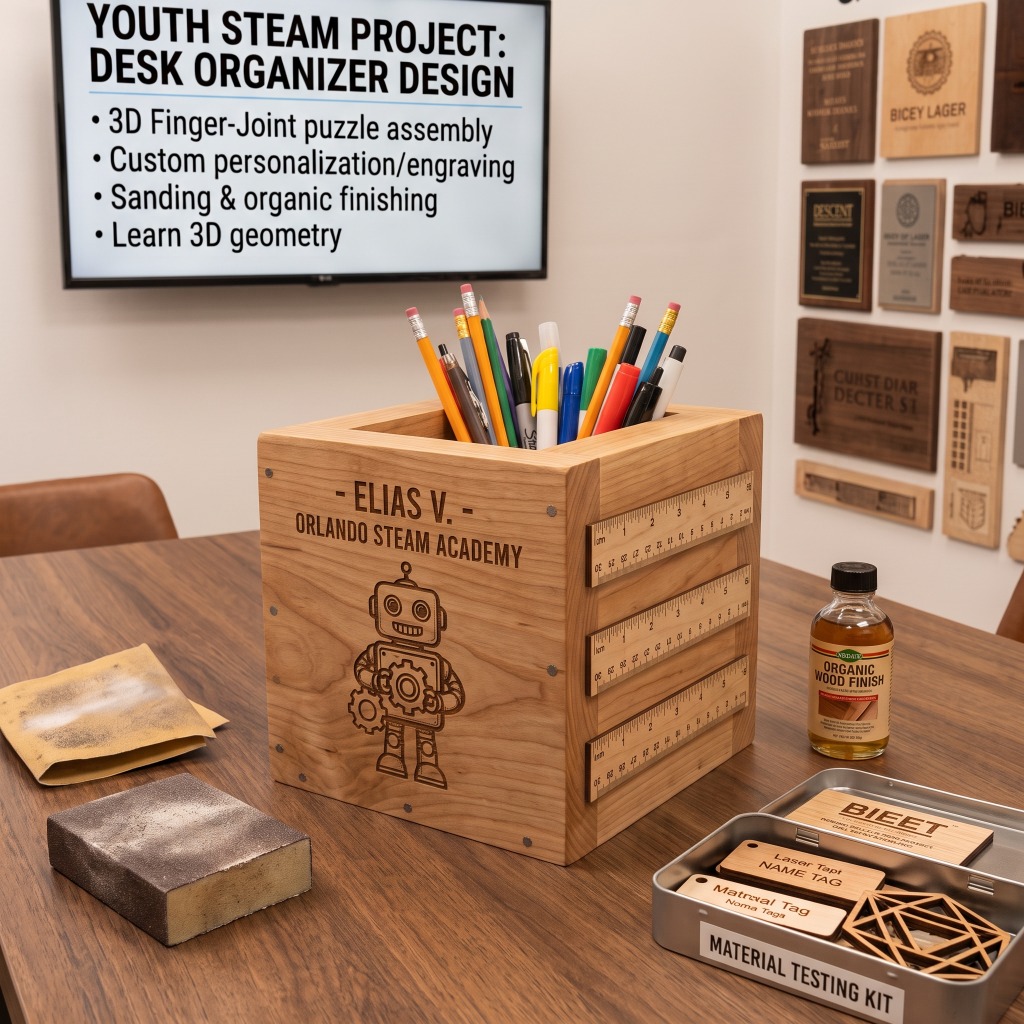
3D Laser-Cut Wooden Pencil Cube & Desk Organizer

One of our most popular projects for 6th grade and up! Students design, laser-cut, and assemble a 3D interlocking wooden cube to store pencils, markers, and supplies.

Finger-joint puzzle assembly: No nails required — precision interlocking tabs teach 3D geometry.
Custom laser personalization: Students engrave their name, artwork, or school mascot on the wood face.
Sanding & natural finishing: Learn hand-sanding and organic wood oil application for a durable finish.
Inquire for School or Group Session
3D Laser-Cut Wooden Pencil Cube & Desk Organizer - Youth STEAM Project
Curated Learning Tracks

Explore Our Class Programs

We offer beginner-friendly foundations, structured youth STEAM classes, and comprehensive business launch sessions.

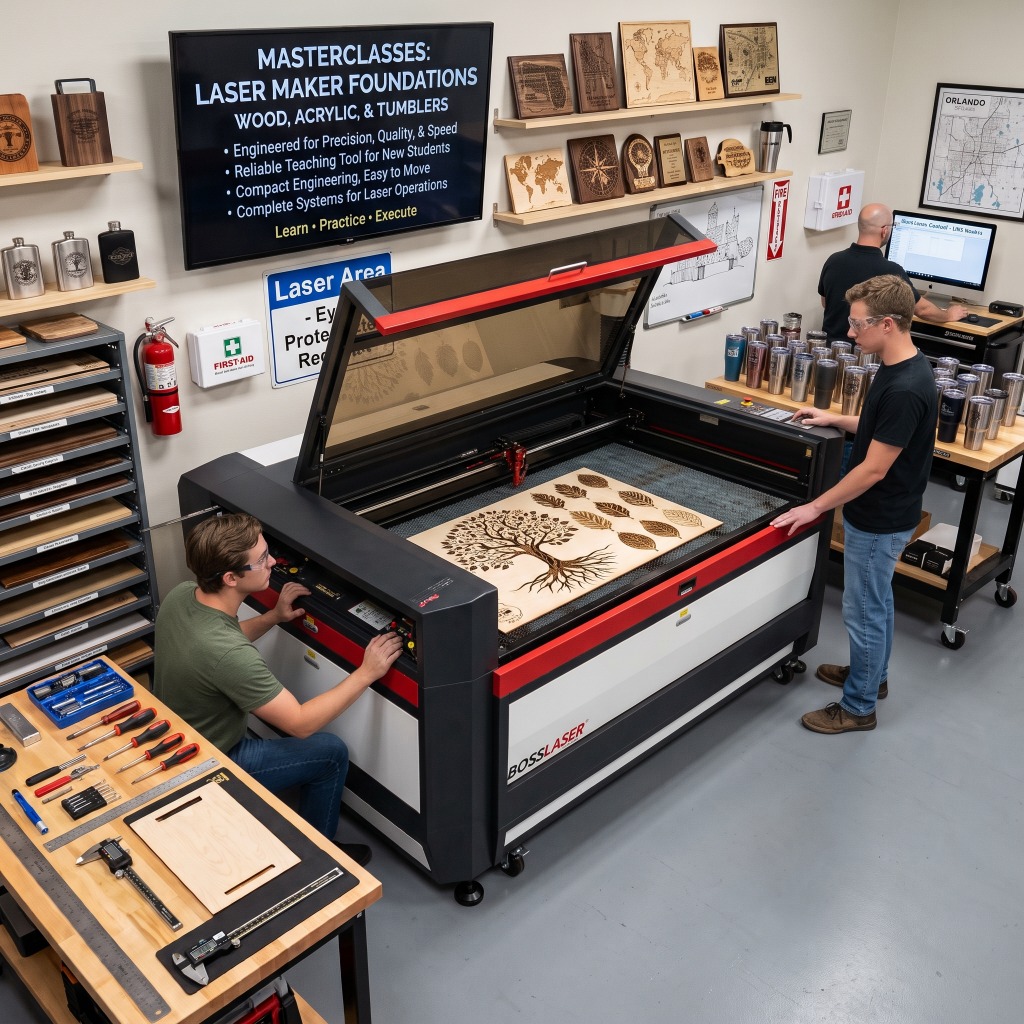
Beginners & Hobbyists Laser Maker Foundations Workshop - Wood, Acrylic and Tumblers
BEGINNER - INTERMEDIATE - ADVANCE • ALL AGES

Laser Maker Foundations: Wood, Acrylic & Tumblers

Master the essentials of operating a professional CO₂ laser engraver. Learn focal calibration, power/speed matrices, rotary tumbler engraving, and deep wood etching on hardwood cutting boards.

  • Material testing (wood, acrylic, metal)
  • Rotary attachment for stainless tumblers
  • Graphic vector cleanup and SVG prep
  • Take home 2 custom engraved products
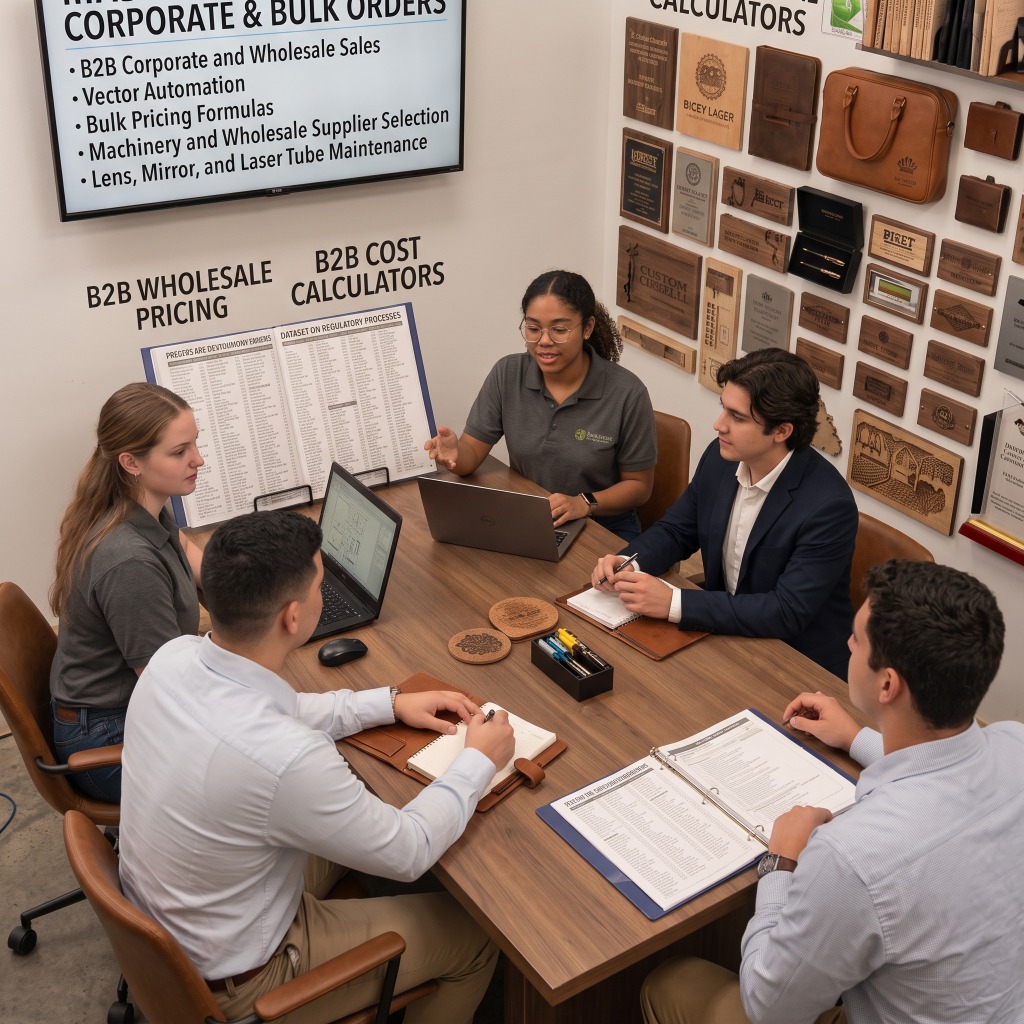
Coming Soon • Business & Commercial Launch Your Laser Engraving Business Masterclass - Corporate & Bulk Orders
⚡ COMING SOON
Pro Level • Entrepreneurs & Side Hustlers

Launch Your Laser Engraving Business Masterclass

Go from beginner to profitable shop owner. Learn machine sourcing, maintenance protocols, wholesale blank suppliers, pricing formulas, vector automation, and how to sell high-margin custom gifts and corporate orders.

  • Wholesale blank supplier directory
  • Machine maintenance, lenses & mirrors
  • B2B wholesale pricing calculators
  • 1-on-1 coaching & file templates included
Tailored Classes

Need a Specific Class, Field Trip, or Private Session?

Have a specific project in mind? We customize curriculum for schools, homeschool pods, scout troops, birthday maker parties, and private one-on-one coaching. Tell us your goals, age group, and schedule!

Ask About Custom & Basic Classes
Simple Booking Process

How Our Workshops Work

From first inquiry to stepping up to the laser machine and walking away with your finished piece.

01

Inquire & Choose Track

Pick a workshop track or tell us your custom project needs and preferred dates.

02

Design & Vector Prep

Learn LightBurn and vector basics to create or customize your artwork.

03

Laser Cut & Engrave

Calibrate machine focal distance and watch your design etched with high-speed CO₂ precision.

04

Assemble & Keep

Assemble, hand-sand, apply finish, and proudly take home your completed heirloom.

Got Questions?

Masterclasses FAQ

Is prior design or woodworking experience required?

Not at all! All our introductory and youth STEAM classes start from absolute zero. We guide you step-by-step through vector software and machine operation.

What age is suitable for the youth workshops?

Our youth STEAM workshops are designed for 6th grade and up (ages 11–18). Younger children can participate when accompanied by a parent or guardian.

Do we need to bring our own tools or materials?

No, we provide all wood blanks, tumblers, laser safety glasses, and tools. If you have a laptop with LightBurn or artwork files, you are welcome to bring it!

Can you host school groups or private parties?

Yes! We host school field trips, homeschool pods, corporate team building, and maker parties. Contact us with your group size for customized scheduling.